 Instant Savings
 Rebate Claims
 Support
 Find a Dealer

Learn videography fundamentals and basic videography techniques as the first step toward creating professional, cinematic video content. Whether you’re filming interviews, travel videos, documentaries, or social media content, understanding framing, lighting, camera movement, and video lens selection will dramatically improve your results.
In this guide, you’ll learn how to:
- Use framing and composition for stronger storytelling
- Apply lighting techniques for mood and clarity
- Master essential camera movements
- Choose the right video lenses for different shooting styles
- Improve stability with image stabilization tools
- Enhance focus precision using lens customization software
Framing, Composition, and Lighting: The Core of Cinematic Video

Strong visual storytelling starts with intentional framing, balanced composition, and controlled lighting.
Framing and Composition for Video Shooting
Framing determines what the viewer sees — and what they don’t. Clean framing minimizes distractions and keeps attention on your subject.
The Rule of Thirds remains a reliable technique. Dividing the frame into nine equal sections helps guide subject placement naturally.
To add cinematic depth:
- Use foreground elements to create layers
- Incorporate leading lines
- Balance symmetry and negative space
- Include foreground, midground, and background
Lens Tip: A flexible zoom like the Tamron 17-50mm F/4 Di III VXD allows quick adjustments between wide environmental scenes and tighter subject framing without interrupting your workflow.
Lighting Techniques for Professional Video
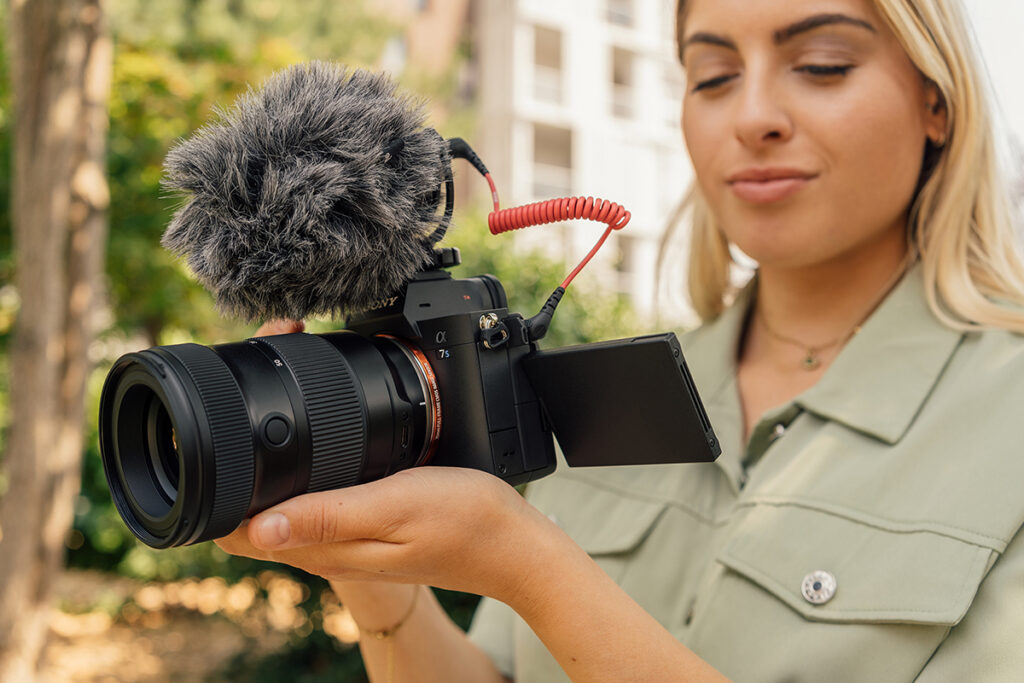
Lighting defines contrast, texture, and emotional tone.
Natural Light
- Shoot during Golden Hour for soft, directional light
- Position subjects near windows indoors
- Avoid harsh midday overhead light
Artificial Light Setup
- Key light: Main illumination
- Fill light: Softens shadows
- Backlight: Adds subject separation
Using reflectors and diffusers helps control highlights and shadow density.
Lens Tip: A fast aperture such as F2.8, like the Tamron 20-40mm F/2.8 Di III VXD, improves low-light performance and allows background separation for cinematic depth.
Essential Camera Movements Every Videographer Should Know
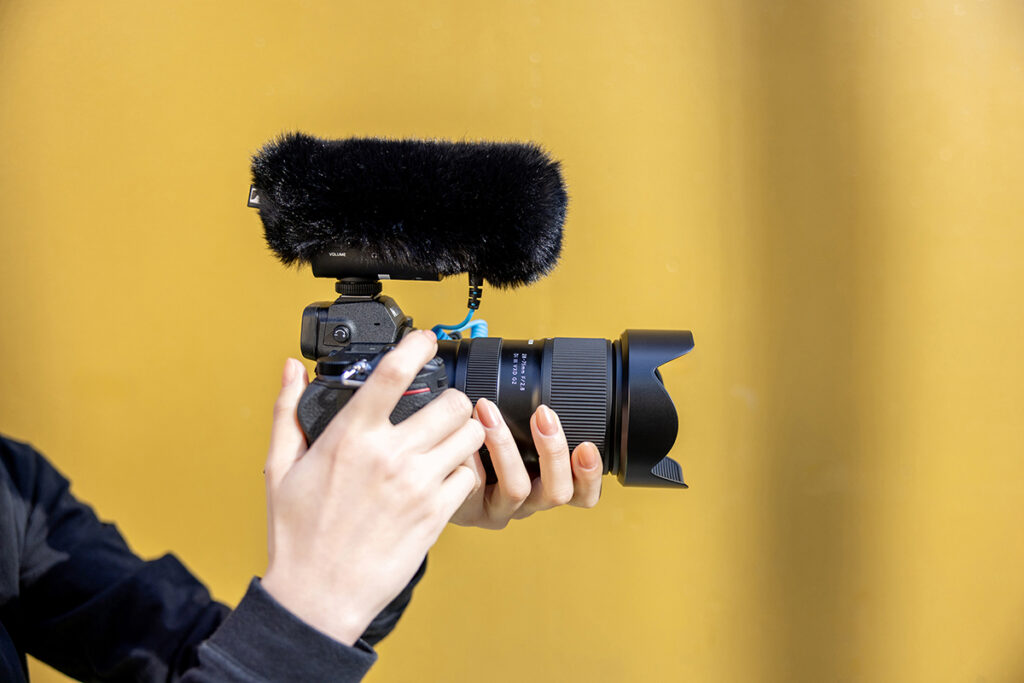
Intentional camera movement adds energy, directs viewer attention, and strengthens emotional impact. Mastering these foundational movements allows you to control pacing, tension, and storytelling flow.
Pan
A horizontal movement from left to right (or vice versa) on a fixed axis.
Panning is ideal for revealing environments, following a moving subject, or transitioning between elements within a scene. Smooth pans work best with a tripod or fluid head to avoid jerky motion.
Tilt
A vertical movement upward or downward on a fixed axis.
Tilts emphasize height, scale, or gradual reveals — such as introducing a subject from the ground up or moving from sky to landscape for dramatic effect.
Zoom
Adjusts focal length without physically moving the camera.
Zooms can highlight detail or shift attention within a frame, but should be used intentionally. Overuse can feel mechanical. For more cinematic perspective changes, physical camera movement is often preferred.
Dolly
Physically moves the camera forward or backward through space.
Unlike a zoom, dollying changes perspective and depth relationships within the frame, creating a more immersive and natural cinematic effect. Dolly-ins increase tension; dolly-outs reveal context.
Truck
Moves the camera horizontally while maintaining a consistent distance from the subject.
Often used to follow walking subjects or moving vehicles, trucking maintains composition while adding motion across the frame.
Pedestal
Moves the camera vertically up or down while keeping it level.
This movement subtly shifts perspective without changing camera angle, useful for adjusting framing while maintaining visual neutrality.
For a deeper breakdown of how these movements affect storytelling, see our Guide to Camerawork for Video Shooting
Lens Tip: A versatile zoom like the Tamron 28-75mm F/2.8 Di III VXD G2 supports smooth reframing, responsive autofocus transitions, and consistent performance during dynamic camera movement.
Choosing the Best Video Lenses for Your Shooting Style
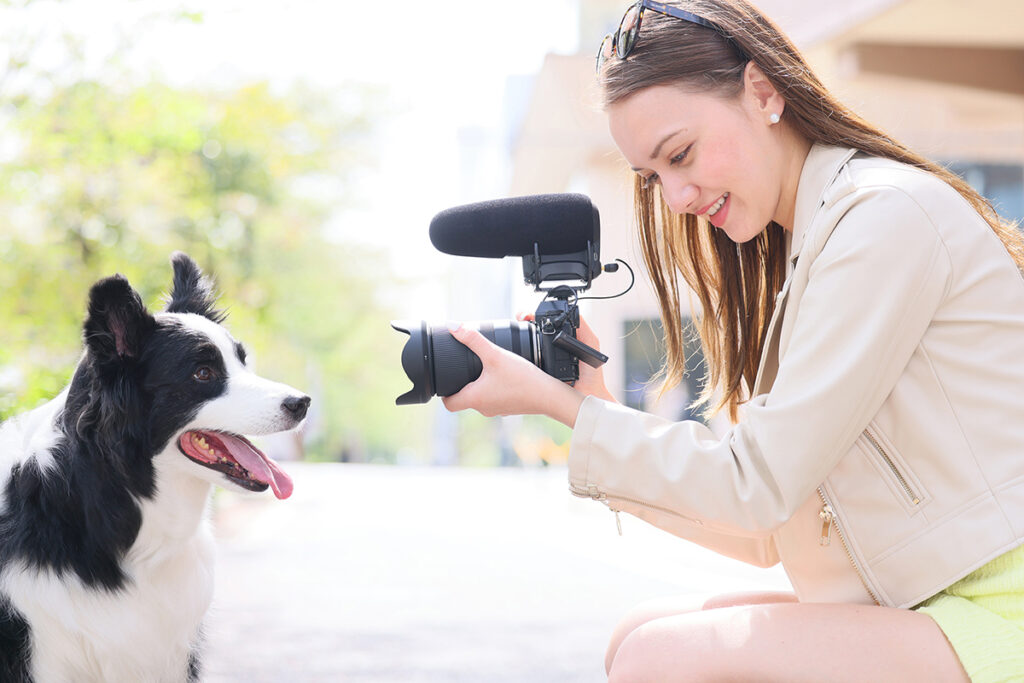
The right video lens impacts sharpness, depth of field, background compression, and overall cinematic quality.
Modern videographers evaluate lenses based on:
- Minimal focus breathing
- Smooth autofocus transitions
- Accurate subject tracking
- Consistent optical performance during zoom
- Responsive manual focus ring behavior
- Effective image stabilization
Types of Video Lenses and When to Use Them
Choosing the right video lens affects perspective, depth of field, background compression, and overall cinematic style. Understanding how each category behaves will help you match your lens to your storytelling goals.
Wide-Angle Lenses
Wide-angle lenses are ideal for landscapes, interiors, architecture, and immersive handheld shooting. Their broad field of view captures more of the environment, making them perfect for establishing shots or scenes where space plays a key role in storytelling.
They exaggerate perspective, which can make foreground elements appear larger and backgrounds feel more expansive. However, distortion near the edges of the frame should be considered when filming people at close distances.
Best for:
- Travel and landscape video
- Real estate and architecture
- Vlogging and immersive POV footage
Standard Lenses
Standard lenses provide a natural field of view similar to human vision. This makes them highly versatile and well-suited for interviews, narrative storytelling, and documentary work.
Because they avoid the distortion of wide lenses and the compression of telephoto lenses, they deliver balanced, realistic rendering — ideal for dialogue-driven scenes and everyday filming.
Best for:
- Interviews
- Corporate and brand storytelling
- General-purpose video production
Telephoto Lenses
Telephoto lenses isolate subjects and compress backgrounds, creating cinematic close-ups with strong subject separation. They visually reduce the perceived distance between foreground and background elements, enhancing dramatic impact.
They are especially useful when filming wildlife, sports, or emotional close-ups where background distraction needs to be minimized.
Best for:
- Sports and wildlife video
- Cinematic portrait footage
- Emotional close-up storytelling
Because longer focal lengths magnify movement, stabilization becomes more important during handheld shooting.
Prime vs. Zoom Lenses for Video
Both prime and zoom lenses have distinct advantages in video production.
Prime Lenses
- Typically offer brighter maximum apertures
- Deliver strong background separation
- Often provide consistent optical performance
- Require physically moving the camera to reframe
Zoom Lenses
- Allow rapid focal length changes without swapping lenses
- Ideal for events, documentaries, and run-and-gun shooting
- Provide workflow efficiency for hybrid creators
Many modern video shooters prioritize zoom lenses that maintain sharpness throughout the range, minimize focus breathing, and offer smooth autofocus transitions.
To explore specific models designed for video creators, see Best Tamron Lenses for Video Shooting.
Enhancing Lens Control for Video with TAMRON Lens Utility™ 5.0
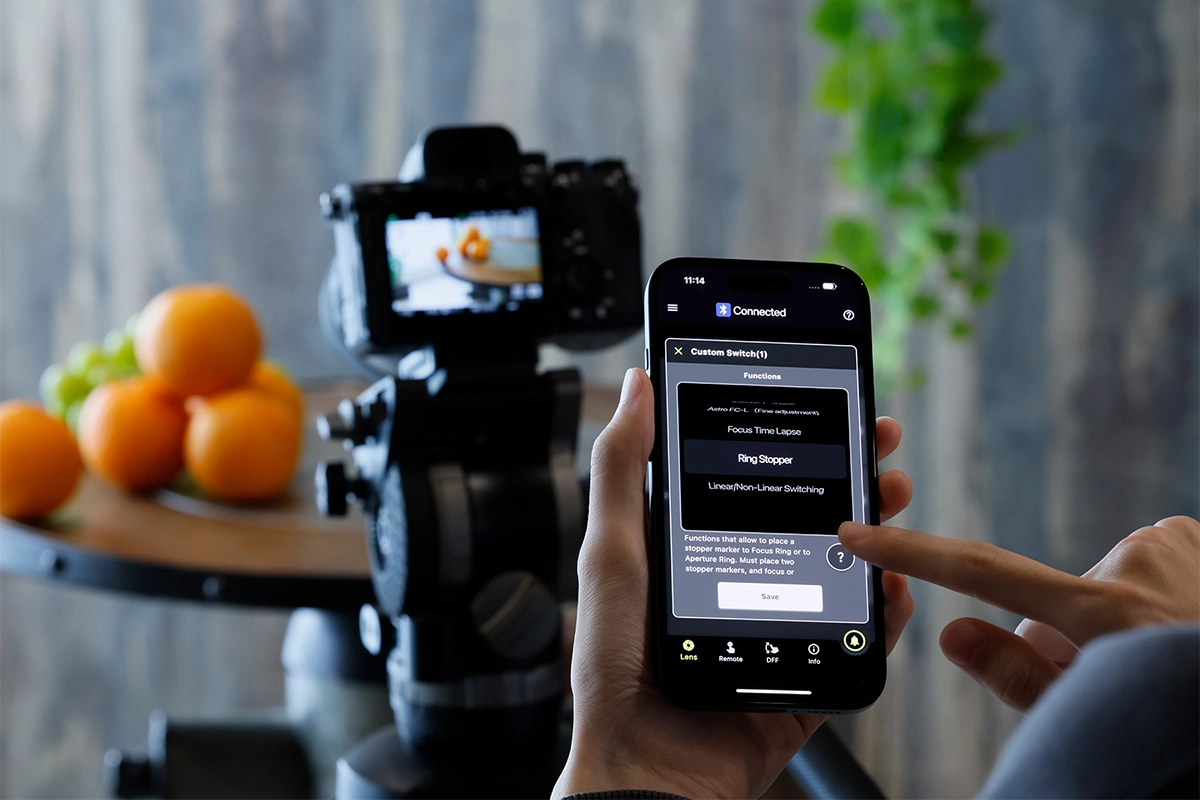
Modern video production increasingly relies on customizable lens behavior.
TAMRON Lens Utility™ 5.0 allows compatible lenses to connect to a computer or mobile device for advanced customization tailored to video workflows.
Key capabilities include:
- Programmable focus presets
- Adjustable manual focus ring response
- Customizable rotation angles
- Coordinated focus and aperture control
- Firmware updates for optimized AF performance
With TAMRON-LINK wireless connect via Bluetooth your iOS or Android smartphone and control focus and more remotely — ideal for gimbal setups, solo production, and hard-to-reach mounting positions.
This level of lens control helps filmmakers achieve more consistent focus transitions and repeatable cinematic effects.
The Importance of Image Stabilization in Video Shooting
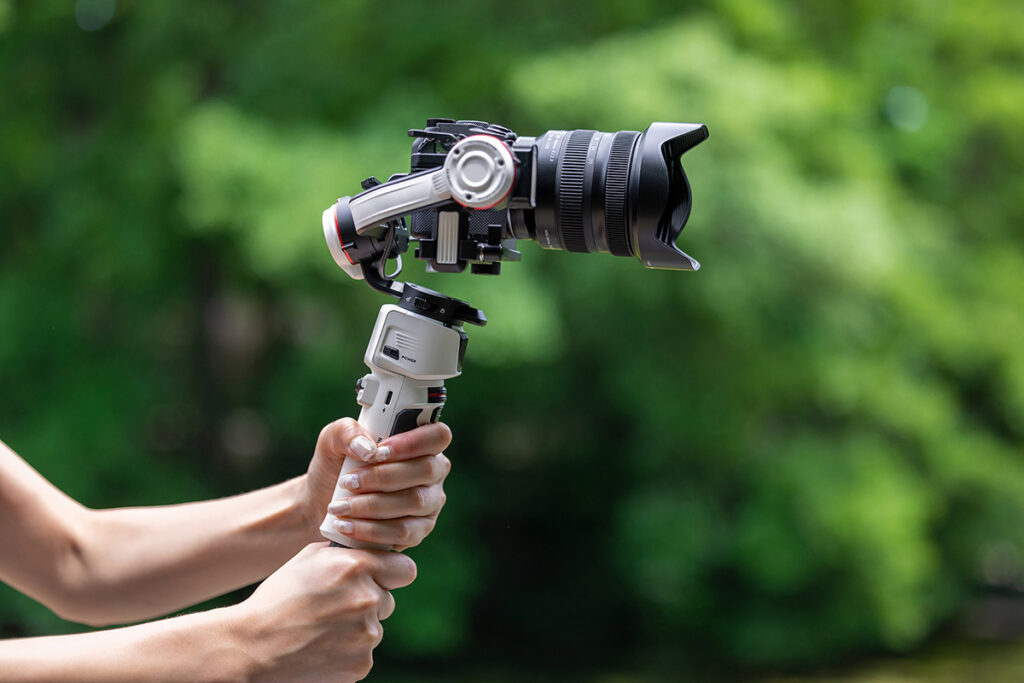
Unstable footage can immediately reduce the perceived quality of your video. Even strong composition and lighting can be undermined by distracting camera shake. Understanding how stabilization works — and when to use it — is essential for professional results.
In-Body Image Stabilization (IBIS)
Many modern cameras feature in-body image stabilization (IBIS), which compensates for small handheld movements. This is especially helpful for:
- Run-and-gun filming
- Travel content
- Documentary-style shooting
- Lightweight setups without rigs
IBIS works best for subtle corrections but may not fully eliminate larger motion during walking or dynamic movement.
Lens-Based Stabilization
Lens-based stabilization, such as Tamron’s Vibration Compensation (VC), helps reduce shake directly within the lens. This is particularly beneficial:
- At longer focal lengths
- During handheld telephoto shooting
- In low-light conditions requiring slower shutter speeds
Because telephoto lenses magnify even minor movement, built-in stabilization becomes increasingly important as focal length increases.
External Stabilization Tools
While in-camera and lens stabilization improve handheld results, external tools provide greater control.
- Tripods: Ideal for interviews, static compositions, and locked-off scenes requiring precision.
- Gimbals: Designed for movement-heavy shots such as tracking, walking sequences, or cinematic reveal shots.
Choosing the right stabilization method depends on the style of video you’re producing.
Stable footage improves clarity, viewer retention, and overall production value — making stabilization one of the most important technical considerations in video shooting.
Practical Tips to Improve Your Videography Skills
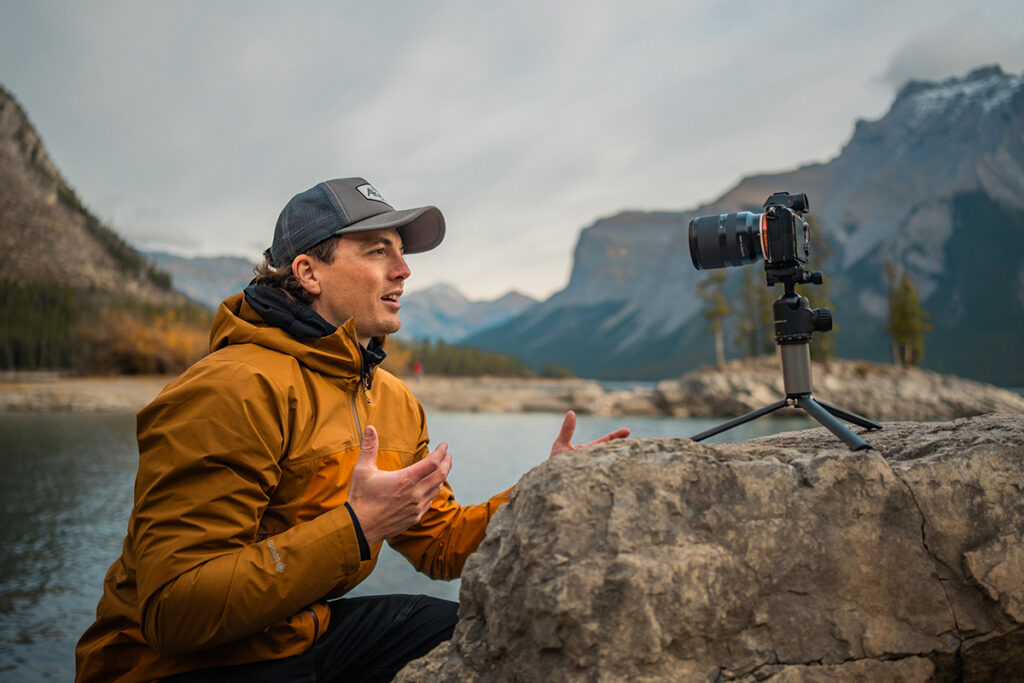
Technical knowledge improves results, but consistent practice refines skill. Use these practical strategies to strengthen your video production workflow:
Plan Your Shots
Create a simple shot list or storyboard before filming. Planning reduces unnecessary takes and helps maintain visual continuity during editing.
Practice Controlled Camera Movement
Smooth pans, tilts, and handheld motion require repetition. Practice maintaining consistent speed and framing to avoid abrupt or distracting movement.
Review and Analyze Your Footage
After each shoot, evaluate:
- Exposure consistency
- Focus accuracy
- Composition balance
- Stability during movement
Identifying patterns in mistakes accelerates improvement.
Test Different Focal Lengths
Experimenting with wide, standard, and telephoto focal lengths helps you understand how perspective changes storytelling impact.
Keep Firmware Updated
Lens firmware updates can improve autofocus performance, compatibility, and operational consistency — particularly important for hybrid photo/video creators.
Mastering these foundational videography techniques, basics, and skills builds confidence, strengthens creative control, and prepares you to explore more advanced cinematic storytelling methods.
Create More Cinematic Video With Strong Fundamentals
By mastering composition, lighting, movement, and lens selection, you gain control over how your audience experiences your story. Strong fundamentals combined with modern lens technology allow you to produce polished, cinematic video in nearly any shooting scenario.
Where to Buy Tamron Video Lenses
Learn more about Tamron lenses at an authorized Tamron dealer near you or shop directly at the official TAMRON Store.
Frequently Asked Questions About Video Shooting and Lenses
What makes a good video lens?
A good video lens offers smooth autofocus, minimal focus breathing, consistent sharpness, responsive manual focus control, and effective image stabilization.
Are zoom lenses good for video?
Yes. Zoom lenses provide flexibility and allow quick reframing without changing lenses, making them ideal for events and documentary shooting.
What aperture is best for cinematic video?
Wider apertures such as F2.8 allow better low-light performance and stronger background separation for cinematic depth.
How do I achieve smooth focus transitions?
Practice manual focus techniques or use programmable lens control tools like TAMRON Lens Utility™ 5.0 for preset focus positions.
Do I need image stabilization if I use a tripod?
If your camera is fully stabilized on a tripod, stabilization can sometimes be turned off. For handheld or motion shots, stabilization is highly beneficial.
What are the most important basic videography techniques?
Framing, composition, lighting, camera movement, and lens selection form the foundation of strong video production.
What focal length is best for video shooting?
Wide-angle lenses are ideal for immersive scenes, standard lenses for interviews, and telephoto lenses for subject isolation and cinematic compression.
How do I reduce focus breathing in video?
Choose lenses designed with controlled optical performance and test focus transitions before shooting. Modern video-friendly lenses minimize visible angle-of-view shifts during focus pulls.
Is image stabilization necessary for video?
Yes. Stabilization reduces shake, especially during handheld shooting or when using telephoto focal lengths.
Can I customize my lens for video production?
Yes. Compatible lenses can be customized using TAMRON Lens Utility™ 5.0 to adjust focus behavior, presets, and ring response.